 Phone Services
 Computers & Networking Services
 Software & Apps.
Phone Services
ورشه متنقله لتصليح الايفون امام منزلك24ساعه جميع المناطق اقل الاسعار
3 KWD

109 Ads
Phone Services
ورشه متنقله لتصليح الايفون امام منزلك24ساعه جميع المناطق اقل الاسعار
3 KWD

Computers & Networking Services
مهندس كمبيوتر هندي خدمة منازل 24 ساعاة مك و ويندوز استري لابتوب
Software & Apps.
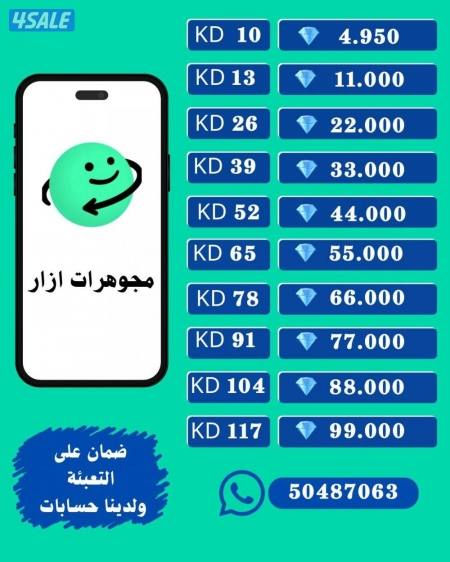
<<ازار ازار ازار>>
1 KWD
Software & Apps.
انظمة حسابية متكاملة و أجهزة كاشير
150 KWD
Software & Apps.
سناب سنابات 200k
250 KWD
Computers & Networking Services
فني عبقري كمبيوتر عمل فورمات واسترجاع المحذوفات وفك الباسورد خ
1 KWD
Software & Apps.
عندك فكرة تطبيق وتبي تنفذها بشكل صحيح؟
400 KWD
Software & Apps.
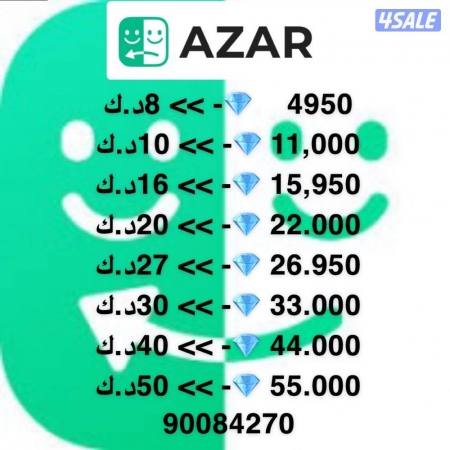
عروض جواهر ازار
1 KWD
Software & Apps.
تاون 18 ماكسسس عالميه 🔥
100 KWD

Software & Apps.
للبيع متابعين انستقرام تيك توك
2 KWD
Computers & Networking Services
COMPUTER & LAPTOP SERVICE
101 KWD
Phone Services
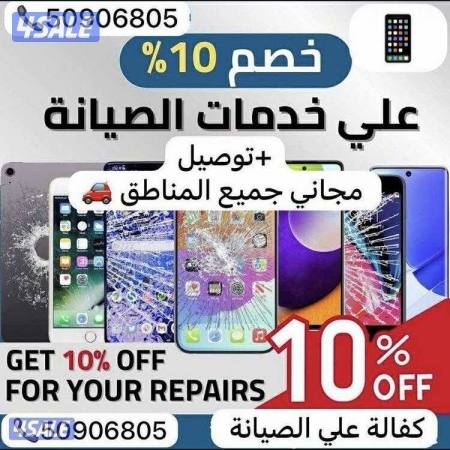
ورشه تصليح متنقله جميع مناطق الكويت
2 KWD
Phone Services
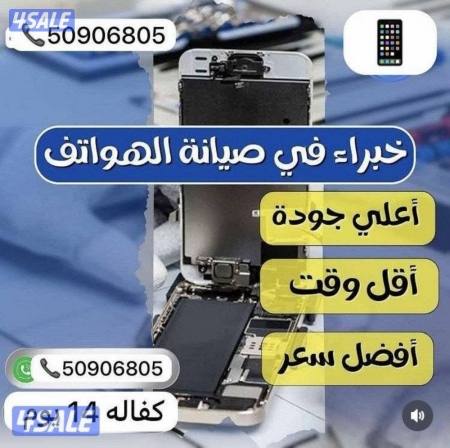
ورشة تصليح هواتف متنقلة بالكويت 24 ساعة – نصل إليك أينما كنت
2 KWD


Computers & Networking Services
تصليح جميع أعطال الابتوبات والكمبيوترات (شاشات,بطاريات,شواحن,كيبوردات)
Phone Services
صيانة هواتف منزلية (تصليح جميع الاعطال عند باب بيتك)
3 KWD
Phone Services
تصليح متنقل-24ساعه-جميع المناطق-اقل الاسعار-كفاله ع التصليح
6 KWD
Phone Services
تبديل شاشات وبطاريات وانت بالمنزل نوصلك باسرع وقت وخامات ممتازه
4 KWD
Phone Services
تصليح جميع التليفونات والآيبادات واللابتوب وساعات أبل وماك بوك
3 KWD
Phone Services
تصليح - ايفون - سامسونج- هواوي - ايباد - آبل وتش
7 KWD
Software & Apps.
<<ازار ازار ازار>>
We rely on electronic devices like smartwatches, mobile phones, tablets, laptops, and home appliances every day. These gadgets help us stay connected, entertained, and informed. However, with regular use, they can break or require maintenance.
In Kuwait, there are many different electronic services available to help keep your devices in top shape. Repairing these devices involves fixing problems so they work like new ones again.
In case it’s changing a battery in a smartwatch, fixing a cracked phone screen, updating software on a tablet or laptop, or repairing home appliances, skilled technicians in Kuwait can handle it all. Using these repair services ensures your devices keep working well, making your life easier and hassle-free.
Some devices need special care for maintenance and repair, but these tips work for most electronics you use regularly:
Keeping your washing machine, iPad, or smartphone clean is important for them to work well. Always read the manual before cleaning, but most devices can be wiped with a soft, dry cloth to remove dust, dirt, and fingerprints.
Keep your devices away from very hot or cold temperatures. Most household appliances are safe because they are not placed in direct sunlight or cold drafts.
To protect your phone, computer, or tablet, don’t leave them in your car or unprotected areas of your home that have high temperatures.
Devices’ updates often fix problems, improve security, and boost performance, helping your device run smoothly.
When charging your phones, smartwatches, tablets, and laptops, use cables approved by the manufacturer. This helps the batteries last longer and prevents damage to your device.
Unplug your devices once they are fully charged to avoid overcharging. Also, try not to let the batteries go completely dead before recharging them.
As home electronics get more complicated, it’s important to know when to call a professional instead of trying to fix them yourself. Trying to repair them without the right skills or tools can be risky and might cause more damage. With different electronic services in Kuwait, fixing your devices will be easier and safer.
If your device is worn out and not working properly then it’s time for a checkup. 4Sale offers you different electronics services that you are looking for from iPhone repair to home appliances. Check both the app and website now.
We’re always here to help.
iPhone batteries typically last for about 2-3 years before experiencing noticeable degradation in performance. However, just because a phone's battery is slightly degraded, does not mean it needs to be replaced.
You can place your ad in a few minutes through the website or mobile application:
1. Register an account.
2. Click on Post Ad then Listing page.
3. Choose the appropriate sub-category.
4. Add a title, description, catchy photos, specifications, and prices, and pick the district, area, and block from the drop-down menu.
5. Choose the contact number you want to show or add an additional number.
6. Choose add-ons to ensure your ad is seen by many people.
Reach out to us through any of these support channels

Buy everything from cars, electronics, property and more in Kuwait on 4Sale.
Download 4Sale on iOS and Android and make Buying, Selling & Renting easy everywhere you go!