اكس بوكس ون اس تو تيرا مستعمل سنه و نص و فيه العب من فورزا 2 الى فورز5
30 KWD
Since 1 Day

23 Ads
اكس بوكس ون اس تو تيرا مستعمل سنه و نص و فيه العب من فورزا 2 الى فورز5
30 KWD
Since 1 Day
يد اكس بوكس وبي سي
10 KWD
Since 1 Day
اكس بوكس سيرس اس للبيع استعمال ٣ اشهر مع قطعه ابيكس XIM apex
80 KWD
Since 2 Day
شاحن يد إكسبوكس CHARGEPLAY DUO
15 KWD
Since 2 Day
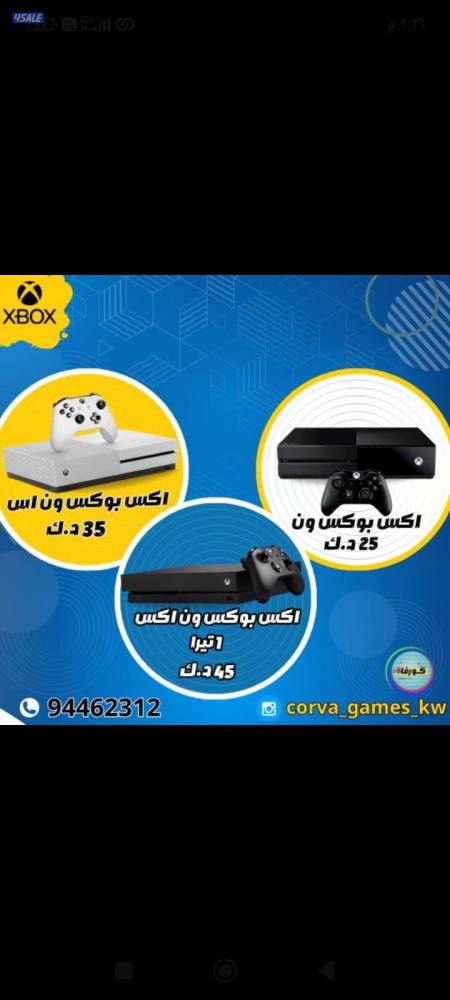

اجهزه والعاب اكس بوكس ( يوجد توصيل)
Since 2 Day
دركسون لوجيتك g923 نظيف جدا استعمال شهر
85 KWD
Since 2 Day
اكس بوكس ون اس تو تيرا مستعمل سنه و نص و فيه العب من فورزا 2 الى فورز5
30 KWD
Since 2 Day
Asus rog ally 1tb 24 gb ram
270 KWD
Since 2 Day
اكس بوكس سيريس
100 KWD
Since 2 Day
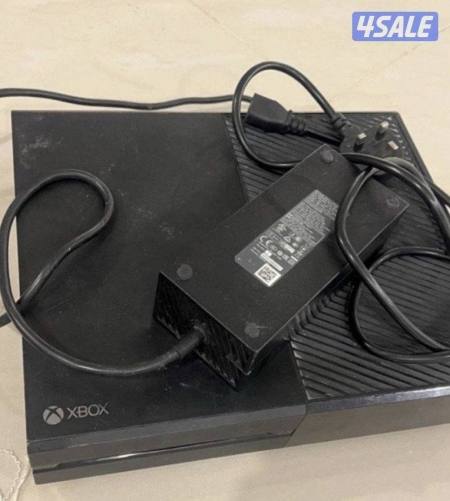
للبيع اكس بوكس ون
Since 3 Day
Xbox ون أس للبيع السعر25 مساحه التخزين 365GB
25 KWD
Since 4 Day
سكان لوجتيك G923 مع القير اكس بوكس للبيع 100 دينار كلفتني 250 دينار
100 KWD
Since 4 Day
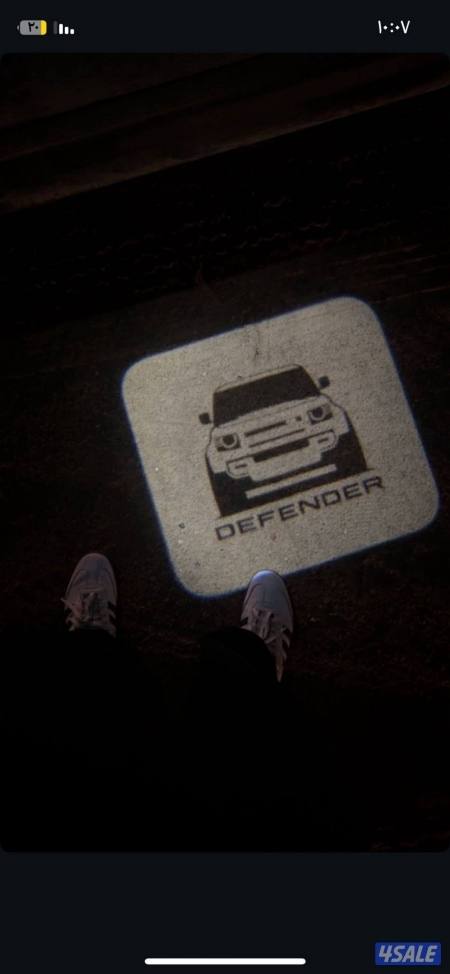
سكان مع ايكس بوكس
70 KWD
Since 5 Day
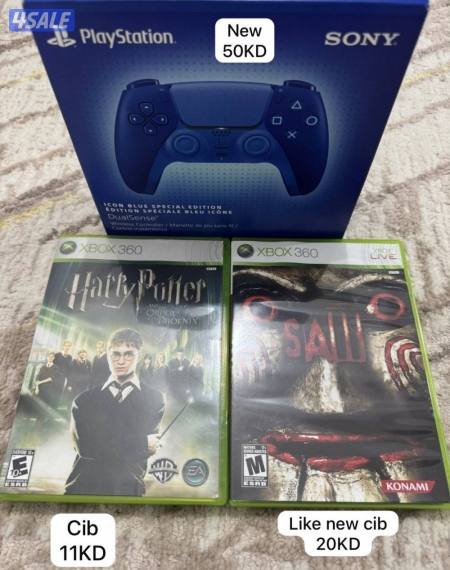
العاب اكس بوكس
31 KWD
Since 6 Day
مع جنطه خاصه فيه استخدام أسبوعين ROG XBOX ALLY X
255 KWD
Since 6 Day
سكان xbox T248 , وقير TH8A
150 KWD
Since 6 Day
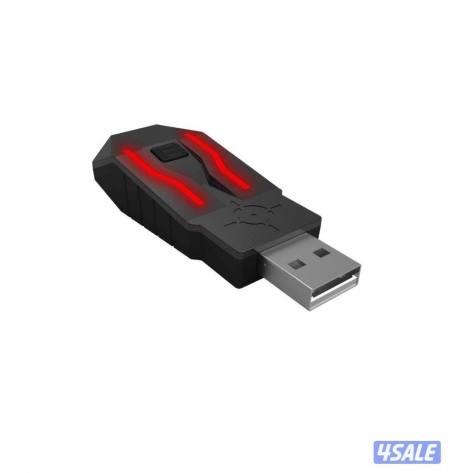
Xim apex
60 KWD
Since 1 Week
XBOX Series X for sale working with no issue no scratches or problems
120 KWD
Since 1 Week
In Kuwait, Xbox has become very popular among both kids and adults. It started with the original Xbox and grew with new models like the Xbox 360, Xbox One, and Xbox Series X. Each new version had better graphics and more games.
Kids love Xbox because it offers fun and exciting games. Adults enjoy it too, as it provides a way to relax and have fun with friends and family. The Xbox has become a big part of life in Kuwait, bringing people together through gaming.
When buying a used Xbox, it’s important to consider several key factors:
Taking these steps will help you make an informed decision and ensure you get a reliable and enjoyable gaming experience with your used Xbox.
If you are looking for a used Xbox in Kuwait, 4Sale provides you with a wide array of different models of Xbox. Also if you want to sell your Xbox you can easily list it for sale in the Xbox category on our platform. Check both the app and website now.
We’re always here to help.
Hold down Xbox on your controller for three seconds until the Xbox button starts flashing.
Press and hold the Pair button on your controller.
Select Start on your computer.
Select Settings > Bluetooth & devices.
Select Add device.
You can place your ad in a few minutes through the website or mobile application:
1. Register an account.
2. Click on Post Ad then Listing page.
3. Choose the appropriate sub-category.
4. Add a title, description, catchy photos, specifications, and prices, and pick the district, area, and block from the drop-down menu.
5. Choose the contact number you want to show or add an additional number.
6. Choose add-ons to ensure your ad is seen by many people.
Reach out to us through any of these support channels

Buy everything from cars, electronics, property and more in Kuwait on 4Sale.
Download 4Sale on iOS and Android and make Buying, Selling & Renting easy everywhere you go!